
Most enterprises already have an ERP and often a procurement or source-to-pay platform. Both hold supplier records. So where does a dedicated onboarding platform fit, and how should it connect?
The answer depends less on technology than on a few clear decisions about ownership.
Decide which system owns what
Start by separating three kinds of supplier information:
- The vendor master record used for purchasing and payment. This is almost always owned by the ERP.
- Commercial and sourcing information such as contracts, catalogues and spend. This is often owned by the procurement platform.
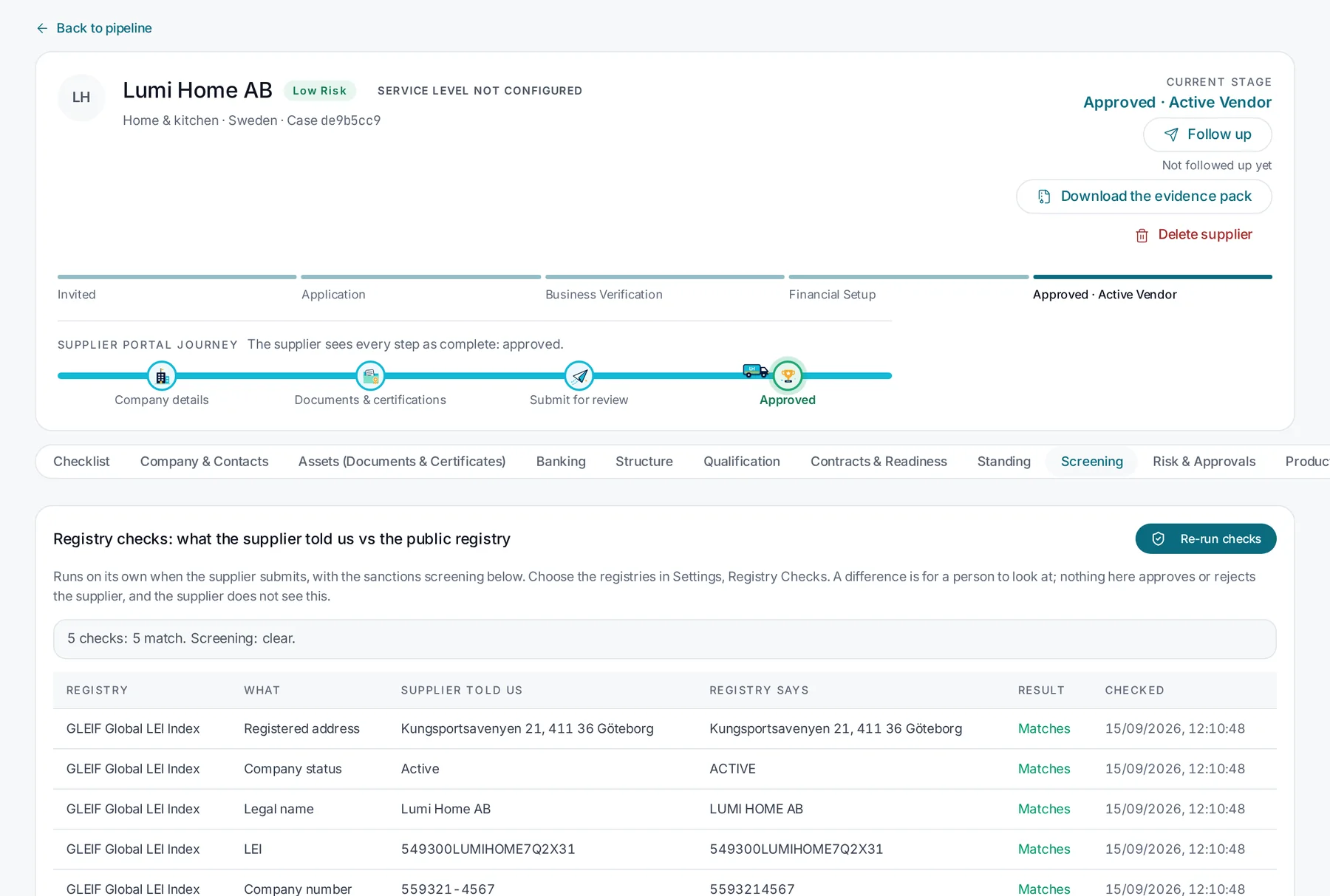
- Onboarding and compliance evidence such as submissions, documents, verification results and approval history. This is often scattered, and is where onboarding software adds the most.
A clean integration keeps each kind of data with its owner. The onboarding platform collects, verifies and approves, then creates or updates the vendor master in the ERP. It does not try to become a second vendor master.
Decide the direction of each flow
For each data element, decide which way it flows:
- Onboarding to ERP: approved legal entity, tax, bank and address details, usually on approval.
- ERP to onboarding: the vendor number once created, and status changes such as blocks.
- Procurement to onboarding: requests for new suppliers, often triggered from a sourcing event.
- Onboarding to procurement: approval status and compliance evidence.
Two-way flows on the same field are where most integration problems start. Avoid them where you can.
Plan for changes, not just creation
New supplier creation is the obvious flow. Changes are harder and riskier. A change to bank details, ownership or address should go through the same verification and approval as the original data, and only then update the ERP. This is one of the most valuable controls an onboarding platform can provide.
Practical integration questions
When evaluating any onboarding platform, ask:
- How does it create and update vendor records in your ERP? Through an API, files or an integration platform?
- What happens if the ERP rejects a record?
- How are identifiers kept in sync?
- How is single sign-on handled for internal users?
- Can supplier-facing access be kept entirely separate from your internal systems?
Start narrow
The first integration does not need to cover everything. A common starting point is a one-way flow of approved vendor records into the ERP, with the vendor number returned. Further flows can follow once the process is proven.
Skuvet is designed to sit alongside ERP, procurement, PIM and MDM systems. Integrations are configured for each customer’s systems and are scoped during evaluation. We do not claim a pre-built connector for a system until it has been delivered and confirmed for that system.